MetaTrader 5 Platform: Everything you need to know about MT5 features
The MetaTrader 5 platform is one of the most widely used tools for trading. It allows you to analyze the market, manage trades, and automate strategies within a single environment. Thanks to support for multiple assets, it is considered a leading multi-asset trading platform.
What is MetaTrader 5
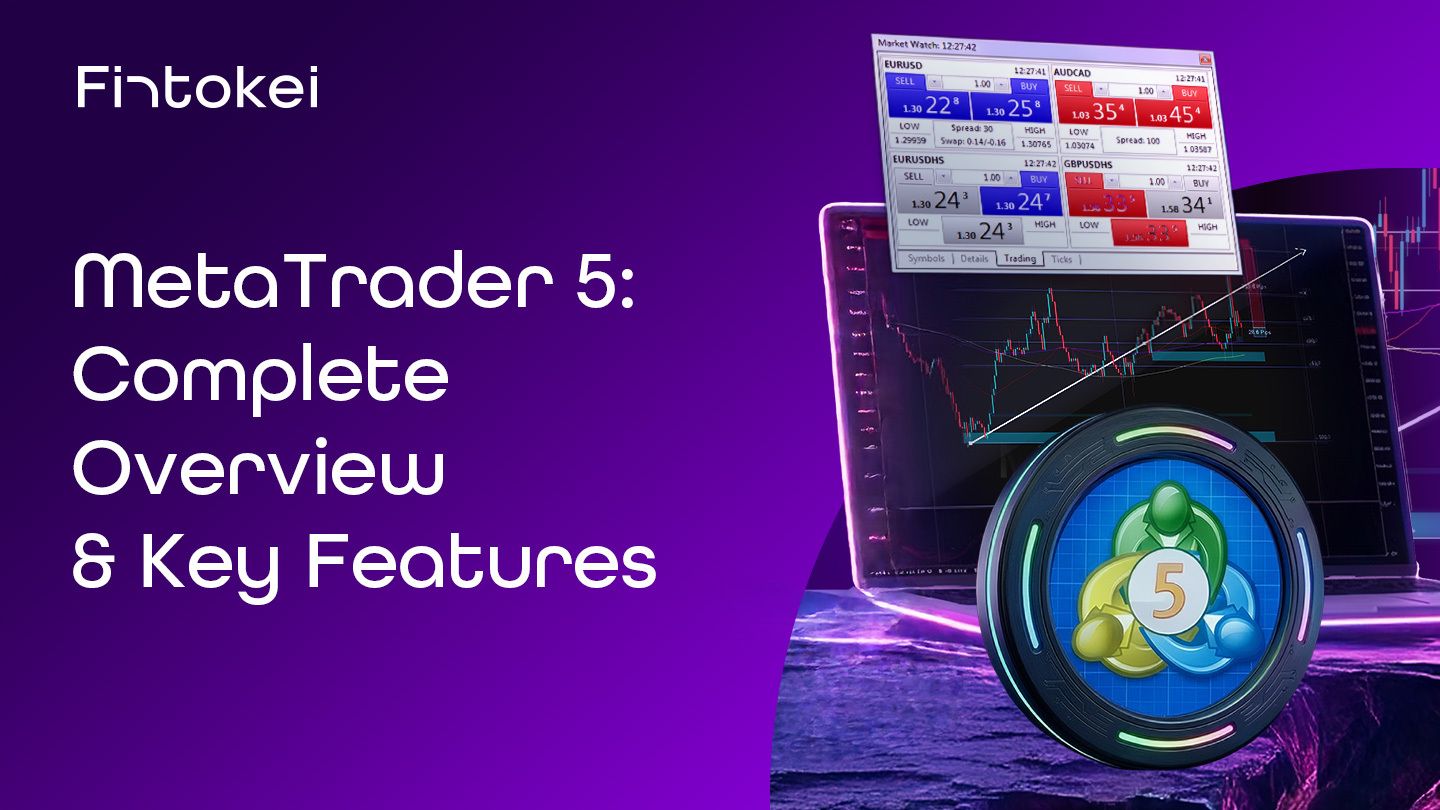
The MetaTrader 5 trading platform is one of the most widely used tools for trading on financial markets. If you want to trade forex, indices, or commodities, sooner or later you will come across it.
MetaTrader 5 was designed to meet the needs of both beginners and advanced traders. It is not just about placing trades. It is a comprehensive environment where you analyze the market, plan trades, manage risk, and automate strategies.
Compared to the older MT4 version, it offers broader data capabilities, more analytical tools, and most importantly support for multiple markets. This makes it a so-called multi-asset platform, where you can trade different types of assets from one place.
Trade on MetaTrader 5 — the platform trusted by millions of traders
Fast order execution, advanced charts, and automated strategies. Everything you need, in one place.
Overview of the MetaTrader 5 trading platform
When you open MetaTrader 5 for the first time, you will see several basic windows. The platform is designed so that a trader has all important information in one place.
The basic structure includes:
- Market Watch: A list of instruments you can trade. You can see current prices (BID/ASK) and quickly open a chart.
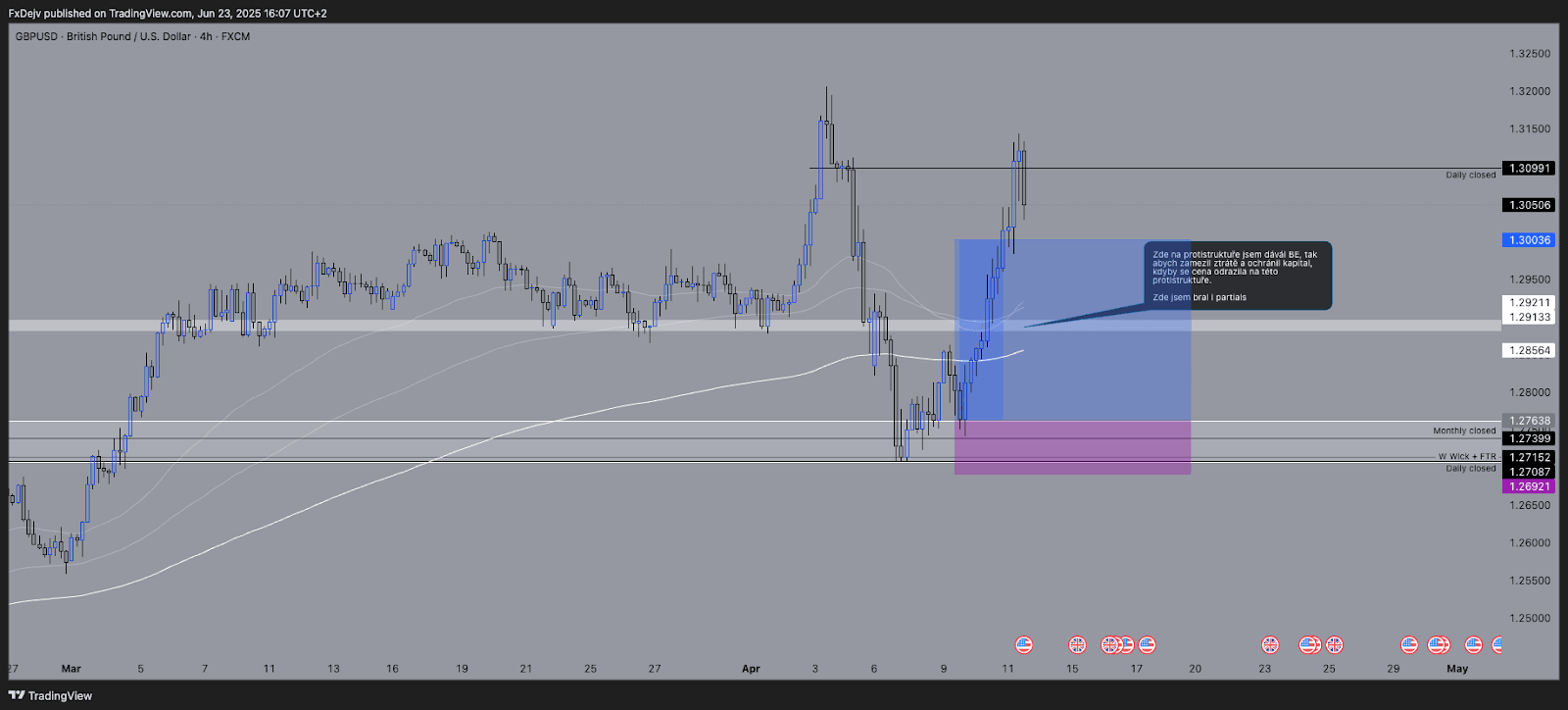
- Chart: The main workspace of every trader. This is where market analysis happens. You can track price movements, draw levels, or use indicators.
- Navigator: A panel for managing accounts, indicators, and automated strategies (EA). If you want to use advanced MetaTrader 5 features, this is where you start.
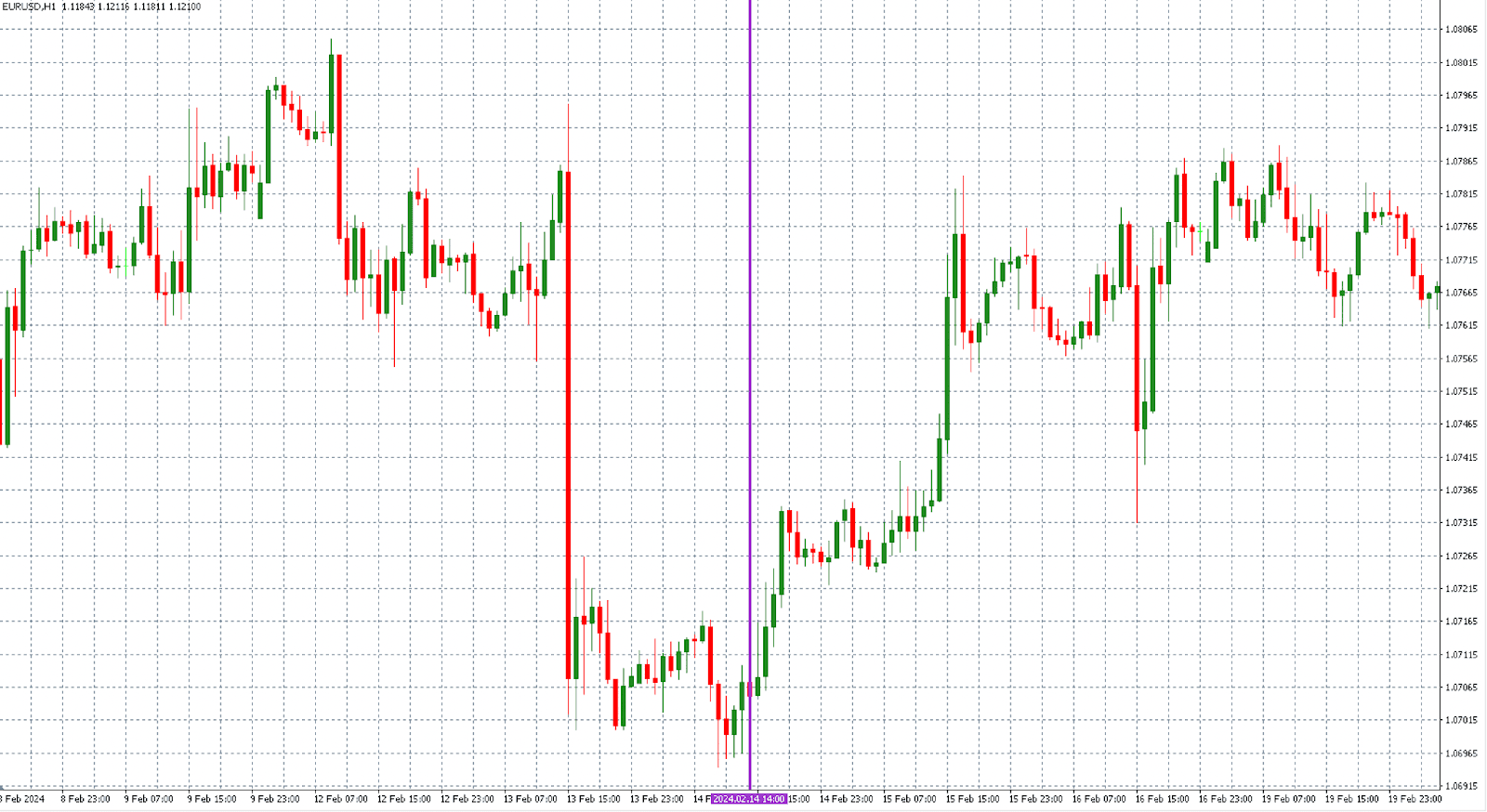
- Terminal: The bottom section of the platform where you find open trades, trading history, market news, and the economic calendar.
This overview of the MetaTrader 5 trading platform is essential for orientation. Once you understand where everything is, working with the platform becomes much faster.
MetaTrader 5 platform interface
The interface of the MetaTrader 5 trading platform is designed to be functional. Do not expect a design-focused app, but a tool that is meant to be fast and precise.
Each part of the interface has a clear role:
- Toolbar: Quick access to basic functions – changing timeframes, chart types, or adding indicators.
- Chart window: Displays price movement. You can switch between different instruments and timeframes.
- Order Window: Used for placing trades. You set volume, stop-loss, or take-profit here.
- Terminal (Trade/History): Overview of all account activity.
A major advantage is that you can customize the interface. Every trader works differently, and the MetaTrader 5 platform is built with that in mind.
Trade on MetaTrader 5 — the platform trusted by millions of traders
Fast order execution, advanced charts, and automated strategies. Everything you need, in one place.
MetaTrader 5 Features: What you will actually use
Charts and technical analysis: The foundation of all trading is working with charts. This is where MetaTrader 5 shows its strength.
The platform offers:
- 21 timeframes (from minutes to monthly),
- dozens of indicators (RSI, MACD, moving averages),
- drawing tools (trend lines, support and resistance).
This allows you to build your own view of the market. Without proper analysis, you do not have quality entries, which is essential in trading.
Order execution and order types: The MetaTrader 5 trading platform gives you full control over how you enter the market.
You have access to:
- Market order – instant execution
- Limit order – entry at a better price
- Stop order – entry when the market moves
- Stop Limit – a combined order
Each trade can include:
- Stop-Loss (loss control)
- Take-Profit (profit target)
Risk management is the foundation. MT5 allows you to handle it precisely and systematically.
Automated trading (Expert Advisors): One of the most important features of the MetaTrader 5 platform is automation.
With Expert Advisors (EA), you can:
- automatically open and close trades,
- test strategies on historical data (backtesting),
- optimize strategy performance.
This means trading does not have to be manual only. You can build a system that follows clear rules.

Economic calendar and fundamentals: MetaTrader 5 has a built-in economic calendar.
You will find:
- macroeconomic news,
- interest rates,
- inflation,
- key labor market data.
You do not need to switch between platforms and websites. All important information is in one place, saving time and improving clarity.
Depth of Market (DOM): A more advanced feature of the MetaTrader 5 platform is Depth of Market.
With it, you can see:
- how many orders are waiting at different price levels,
- where liquidity is,
- where the market may react.
This feature is mainly used by more active traders, such as intraday traders or scalpers.

Make the most of market depth
Learn how to trade Smart Money Concepts — today’s hottest trading strategy.

Who MetaTrader 5 is for and how to get started
After understanding the features of the MetaTrader 5 platform, it makes sense to answer two practical questions: who it is for and how to start using it.
Is MetaTrader 5 suitable for beginners?
Short answer: yes, but… The MetaTrader 5 trading platform is simple enough for a complete beginner to start with. At the same time, it is advanced enough to stay relevant for years.
At the beginning, the number of features may feel overwhelming:
- charts,
- indicators,
- order types,
- platform settings.
That is normal. Trading is not a simple field and requires time. Once you understand the basic interface and key features, the platform starts to make sense.
The key is to start step by step:
- first learn how to navigate the platform,
- then work with charts,
- and only later focus on advanced features like automation.
How to get started with the MetaTrader 5 platform
Getting started is not complicated. Just follow a few steps:
- Download and installation: You download the MetaTrader 5 platform from a broker or prop firm. Installation is quick and takes only a few minutes.
- Account login: After launching, you log in to a demo or live account. A demo makes sense at the beginning, as you learn the platform without risk.
- Selecting an instrument: In the Market Watch window, you choose a market (for example a currency pair or index) and open a chart.
- Market analysis: You use indicators or draw levels. This is the moment you start thinking like a trader.
- Opening a trade: You click “New Order”, set volume, stop-loss, and take-profit, and enter the market.
The whole process is simple, but it is important to understand what you are doing, not just click.
Summary: Is MetaTrader 5 worth it?
The MetaTrader 5 platform is a comprehensive tool that covers the entire trading process.
It offers:
- advanced charts and indicators,
- a wide range of order types,
- automated trading,
- access to fundamental data,
- a multi-asset approach.
This makes it one of the most versatile trading platforms on the market. If you are serious about trading, sooner or later you will learn to use it. And the sooner you start, the faster you gain an edge.
Trade on MetaTrader 5 — the platform trusted by millions of traders
Fast order execution, advanced charts, and automated strategies. Everything you need, in one place.