Trade your Fintokei challenge on TradingView
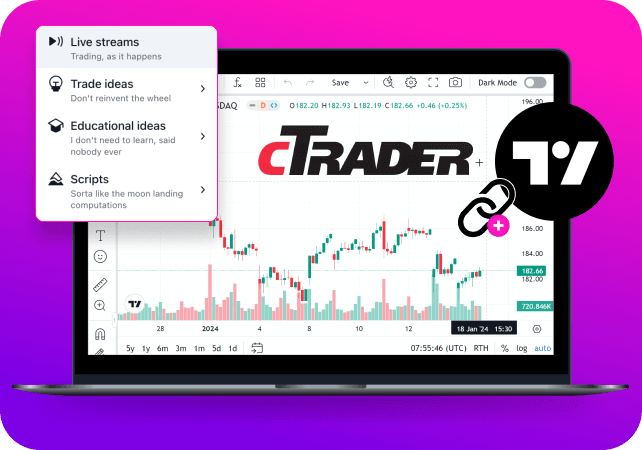
A long-awaited addition of the most popular charting and trading platform, made possible thanks to integration with Purple Trading SC.
How to setup
0 +
indicators
0 +
drawing tools
0 +
chart types
0
customizable alerts
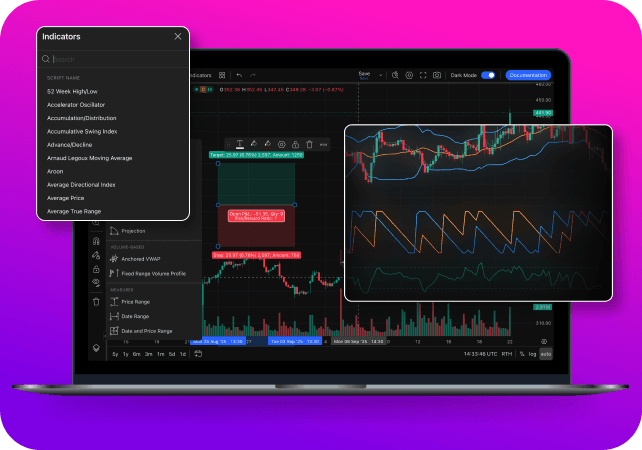
Why choose the TradingView platform?
How to set up your TradingView platform
You will need:
 Fintokei challenge on the cTrader platform.Your own TradingView account (logged in).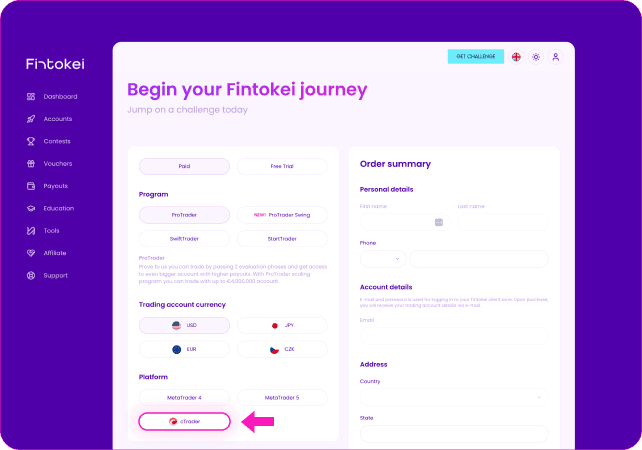
Register with Fintokei
Create a cTrader account in your client zone (this can be a Free Trial, Challenge Phase or Virtually Funded account).
Next step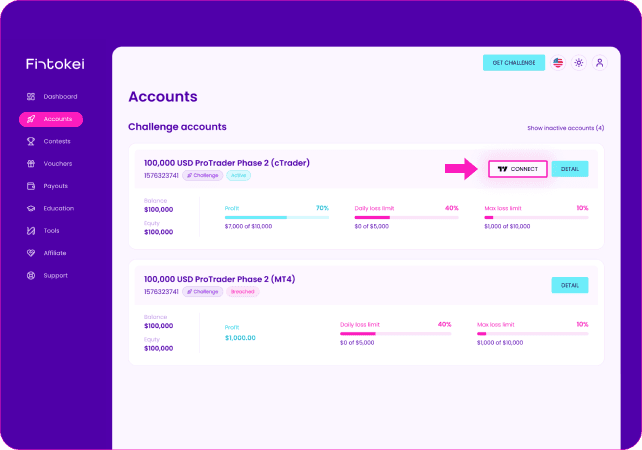
Click Sync to TradingView
In MyFintokei, click the 'Sync to TradingView' button. You'll be redirected to the TradingView chart page. From here, please redirect to the Purple Trading broker profile.
Next step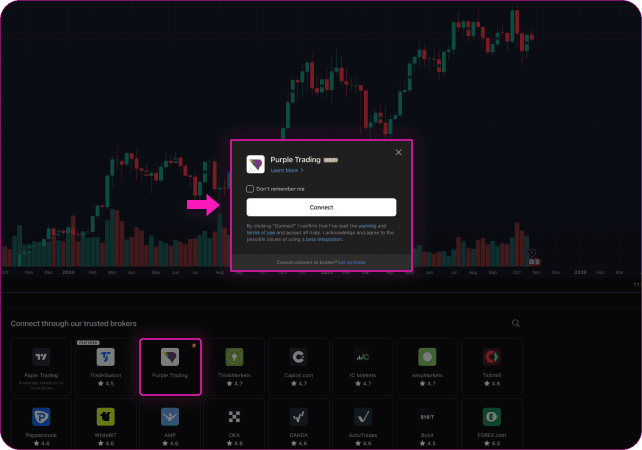
Connect Purple Trading
In TradingView, open the Trading Panel, select Purple Trading, and click Connect.
Next step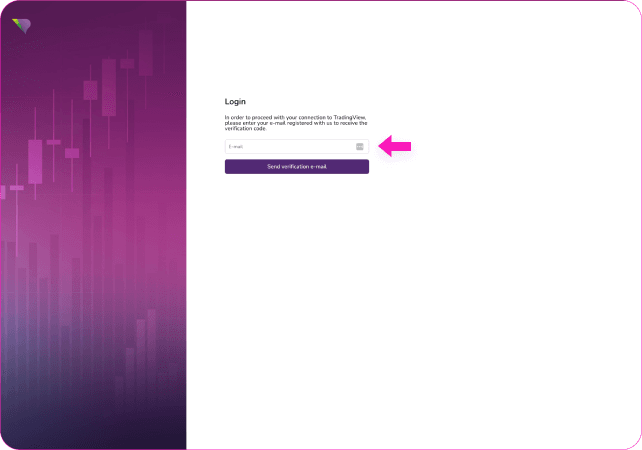
Verify your email
Check your inbox for a 6-digit code, enter it, and confirm. If your email is linked to only one entity, you'll immediately see your cTrader accounts with the 'Sync to TradingView' option.
Next step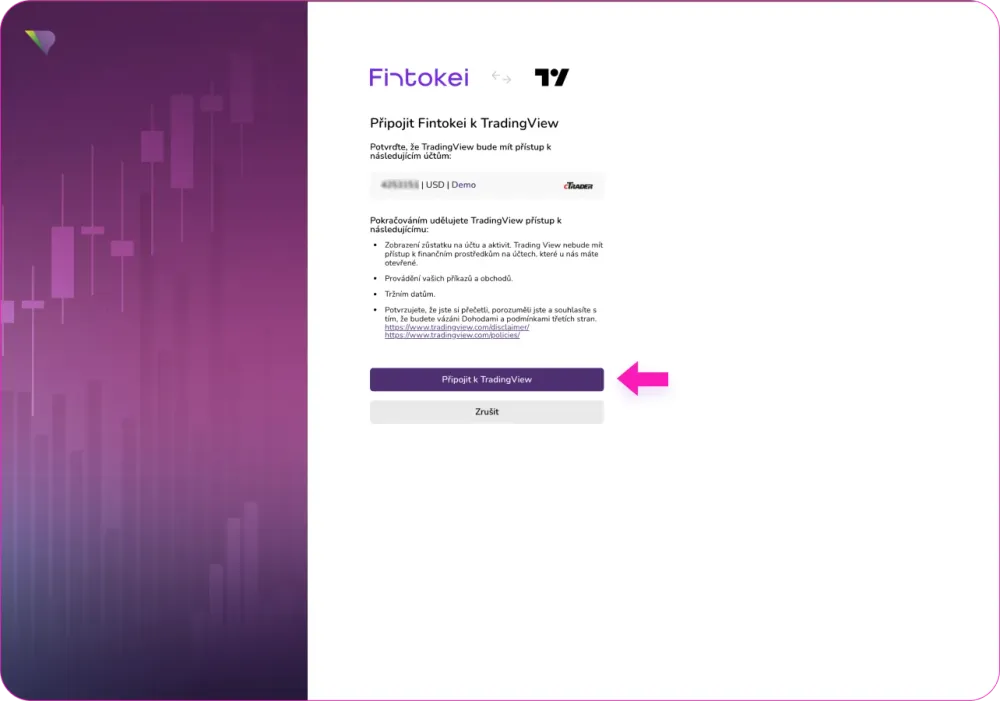
Start trading!
Click 'Sync to TradingView' — and you're ready to trade directly in TradingView!
Start tradingWant a detailed guide with images? Check out our FAQ section.
Available on:

StartTrader
1-phase program

SwiftTrader
1-phase program

ProTrader
2-phase program